Ludo: invite a friend in one tap
1 min read
Share now sends the room code and a link to get the game, so a friend who doesn't have Ludo yet can install it and join the same game.
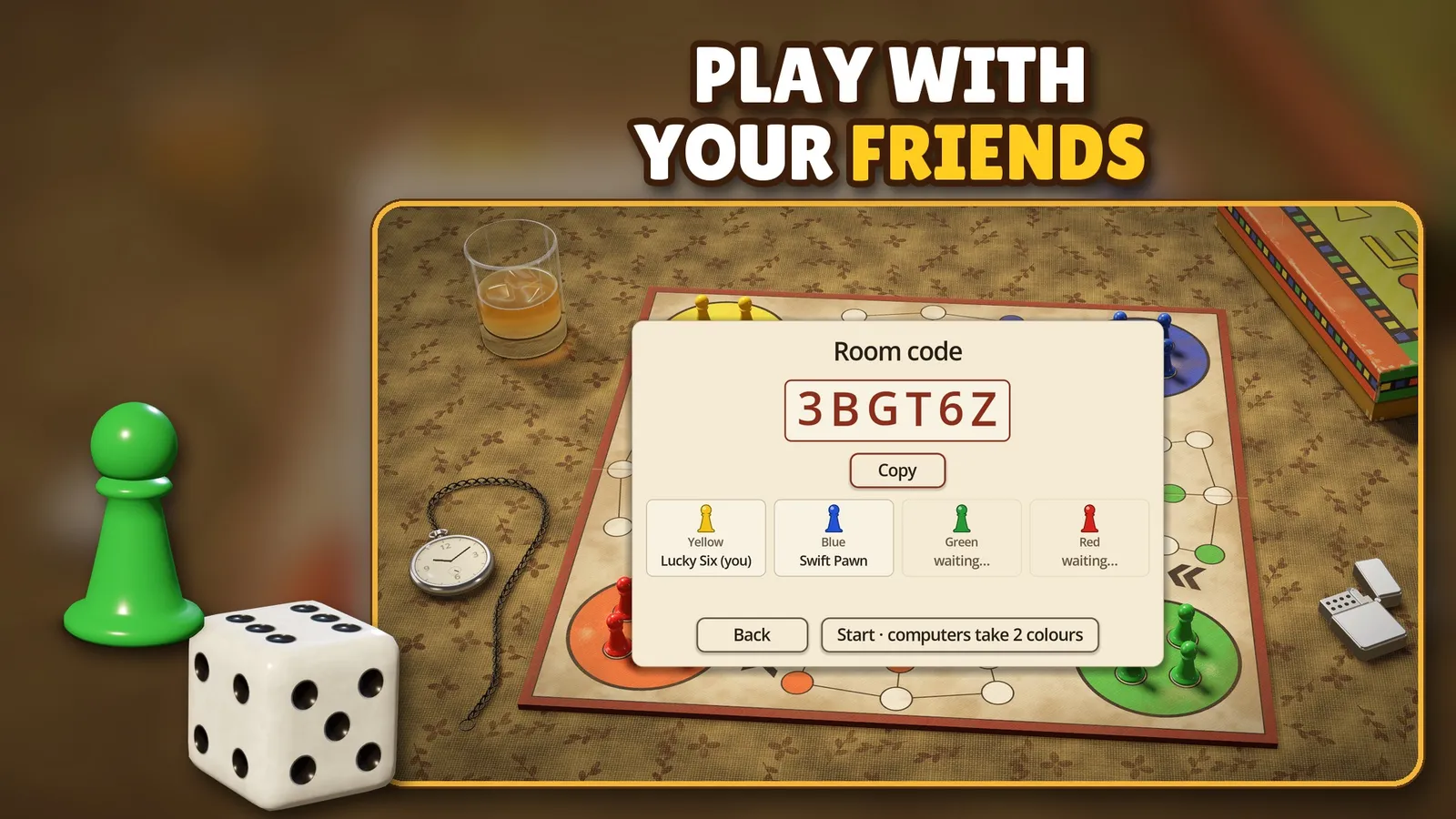
Inviting a friend to a game has one awkward moment: they don't have the app, you have a code, and now you are explaining the Play Store over chat. Ludo now does that part for you.
How it works
In a friends room, press Share. Your phone's share sheet opens with a message that holds the room code and a link to get the game. Send it wherever you talk to that friend. The message goes out in your own language.
When your friend opens the link:
- They get Ludo, if they don't have it yet.
- They open it and choose Play with friends.
- They choose Join game.
- They type the six-character code from the message.
They end up at your table, in the same game.
Also new: a sturdier engine
A few days earlier, Ludo moved to Godot 4.8, a newer version of the engine it is made with. Most players won't see a difference, but it fixes crashes on phones with some graphics chips.